How You Can Use Snapps in Your Daily Routine

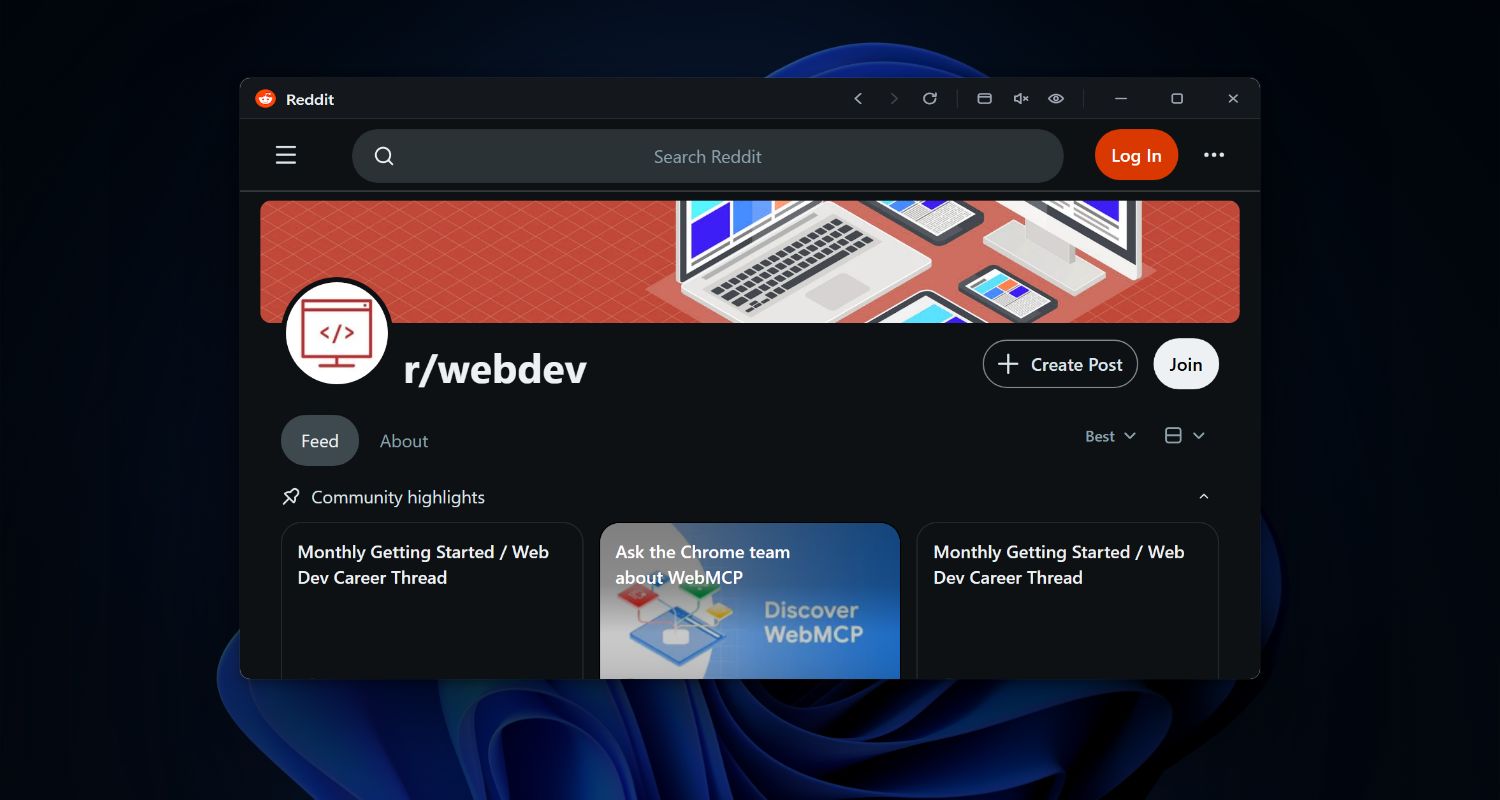
See how people use floating windows and keyboard shortcuts to access ChatGPT, calendars, task managers, and more — instantly.

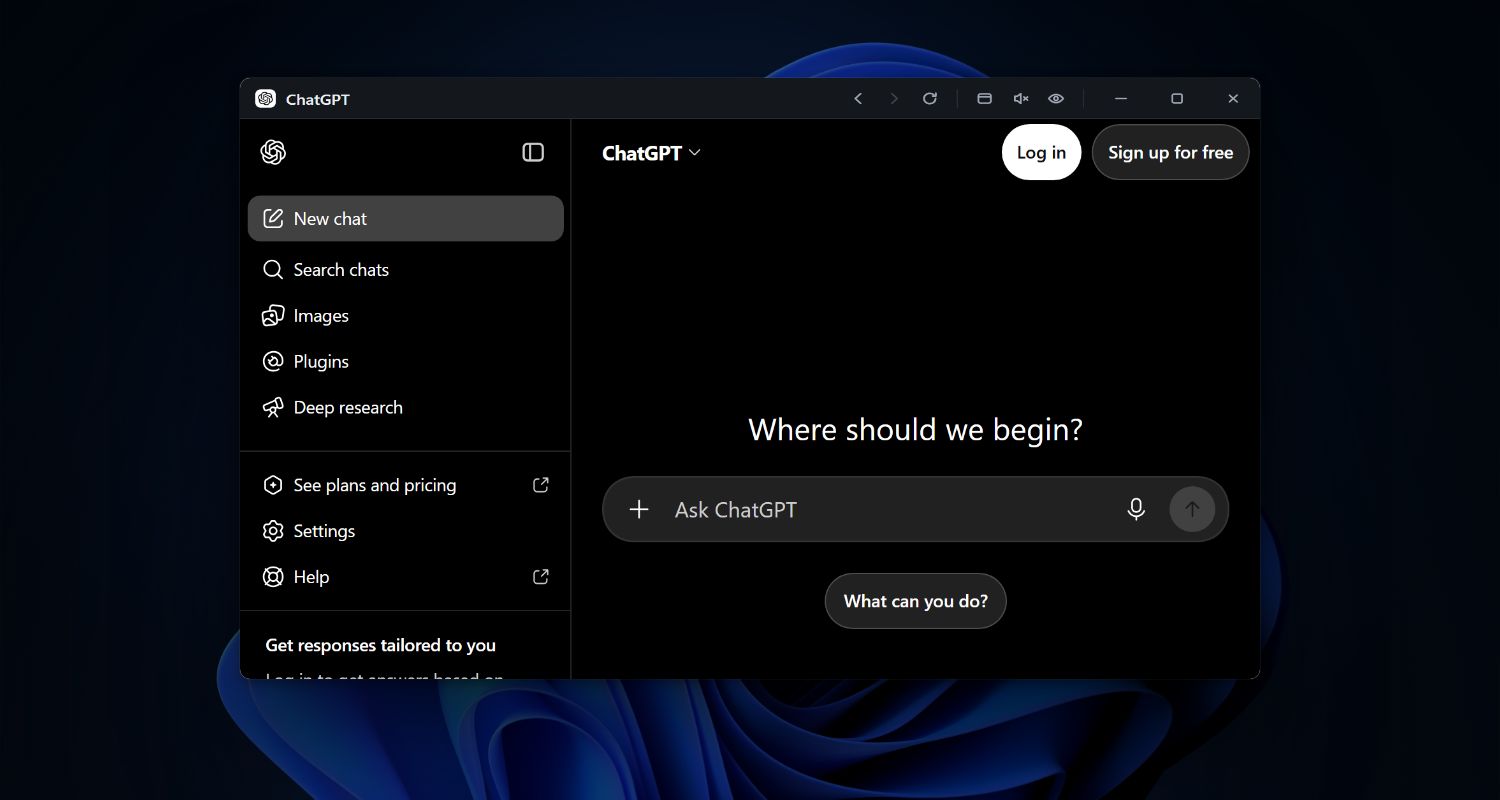
ChatGPT in Snapps floating window

AI Assistants

Instant access to ChatGPT, Claude, or your favorite AI assistant with a single keyboard shortcut. Keep the conversation visible while you work.

Why It's Great:

  • Get instant answers without breaking flow
  • Reference AI responses while coding/writing
  • Keep conversation history visible
  • Copy solutions directly to your work
Task management in Snapps floating window

Task Management

Quick access to Notion, Asana, Trello, or Todoist. Keep your tasks visible in a floating window while working on other apps.

Why It's Great:

  • Glance at your to-dos anytime
  • Check off tasks without opening tabs
  • See what's next while working
  • Update deadlines on the fly
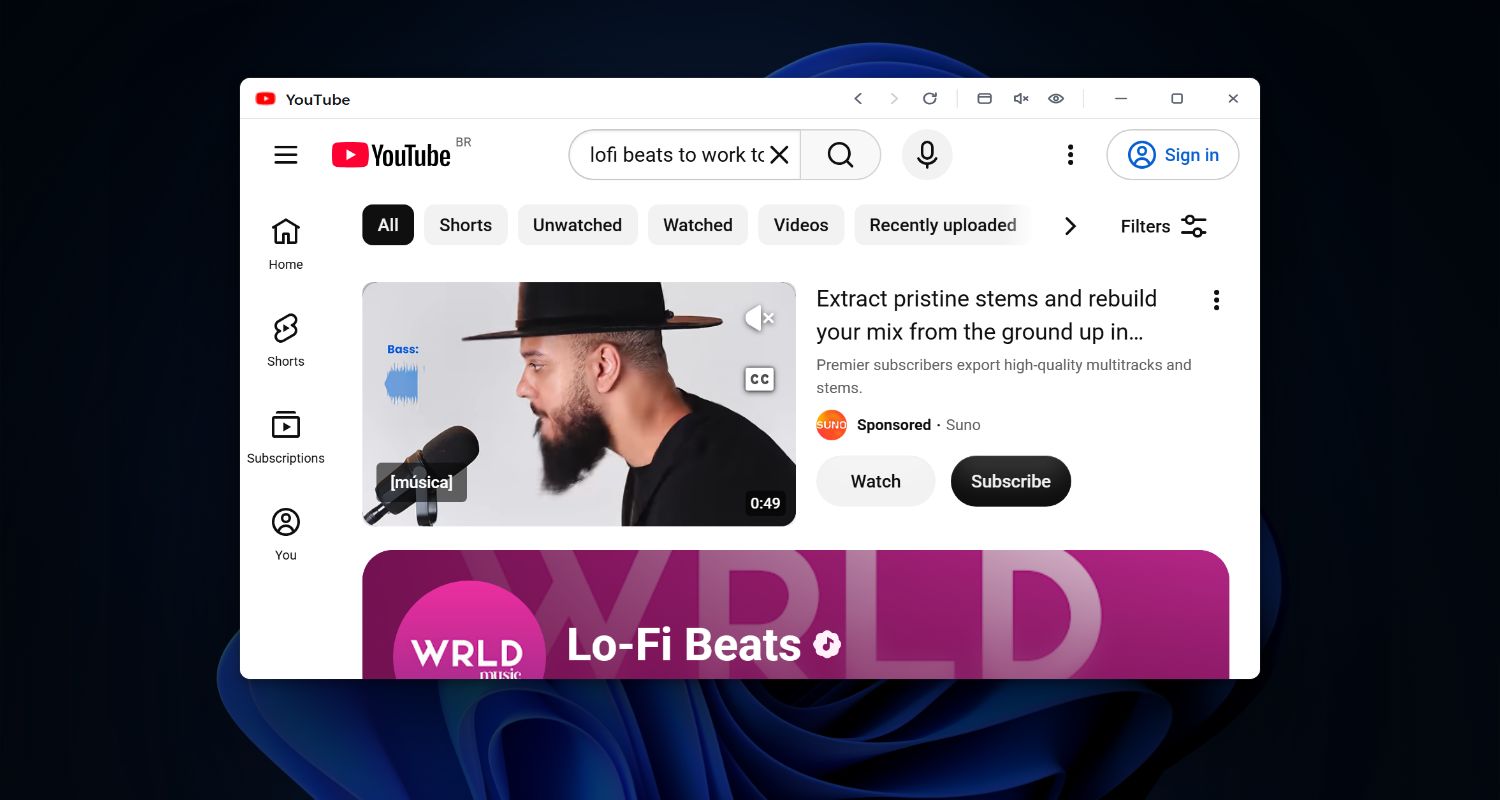
YouTube and Twitch in Snapps floating window

Videos & Streams

Watch videos, listen to music, or enjoy content while you work. Keep YouTube, Twitch, etc. floating in the corner of your screen.

Why It's Great:

  • Follow tutorials step-by-step
  • Watch streams while you do something else
  • Pause and rewind without losing place
  • Picture-in-picture over any app
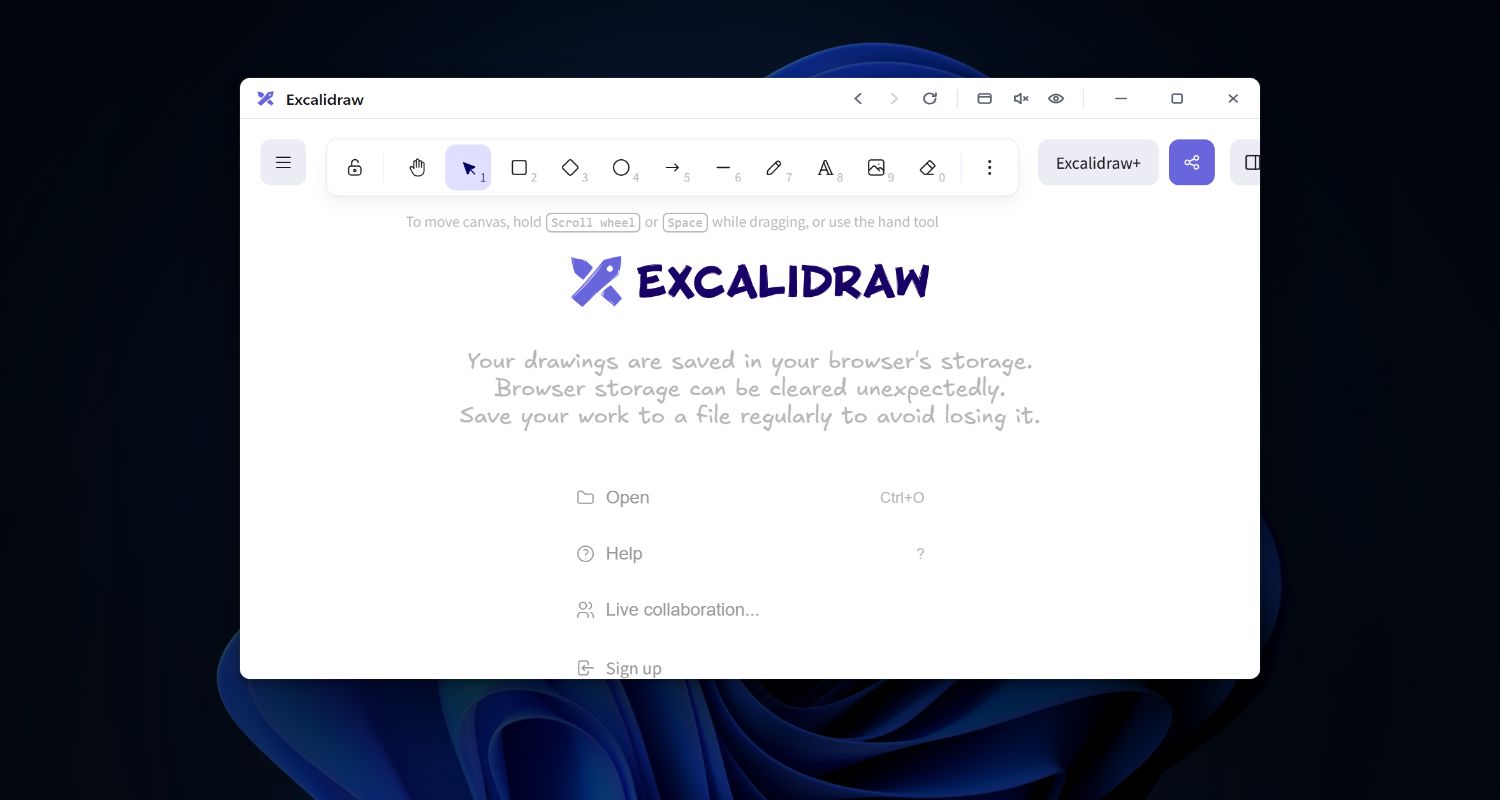
Design tools in Snapps floating window

Design Resources

Quick access to Pinterest, Coolors, or Unsplash. Keep design references visible in a floating window while you work in your design tools.

Why It's Great:

  • Compare designs side-by-side
  • Grab colors without switching tools
  • Reference mood boards while designing
  • Download assets without interruption
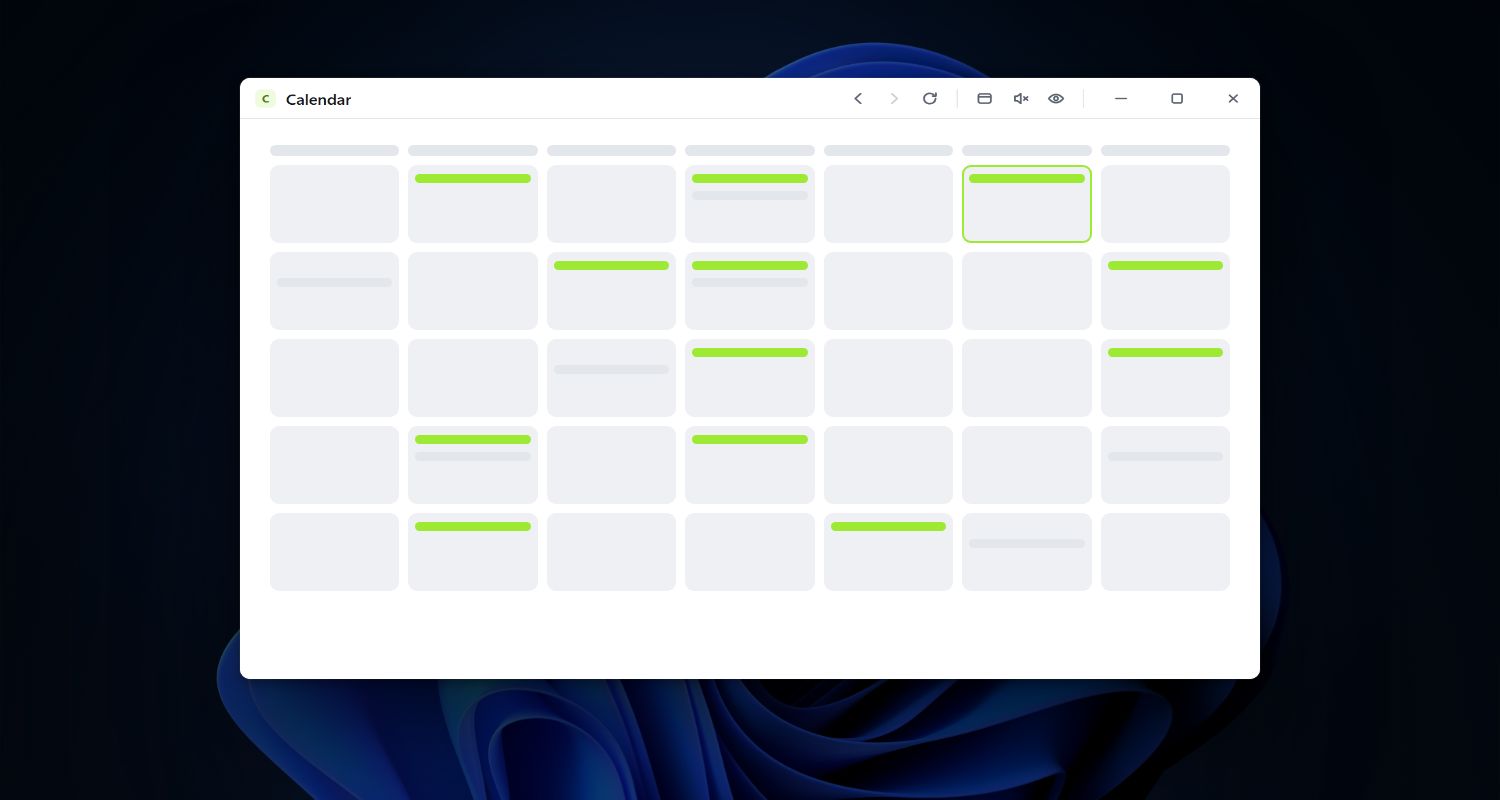
Google Calendar in Snapps floating window

Calendar

Instant access to Google Calendar or Outlook. Keep your schedule visible in a floating window without switching tabs.

Why It's Great:

  • Check next meeting at a glance
  • Join calls without tab hunting
  • See daily schedule while planning
  • Quick time checks during work
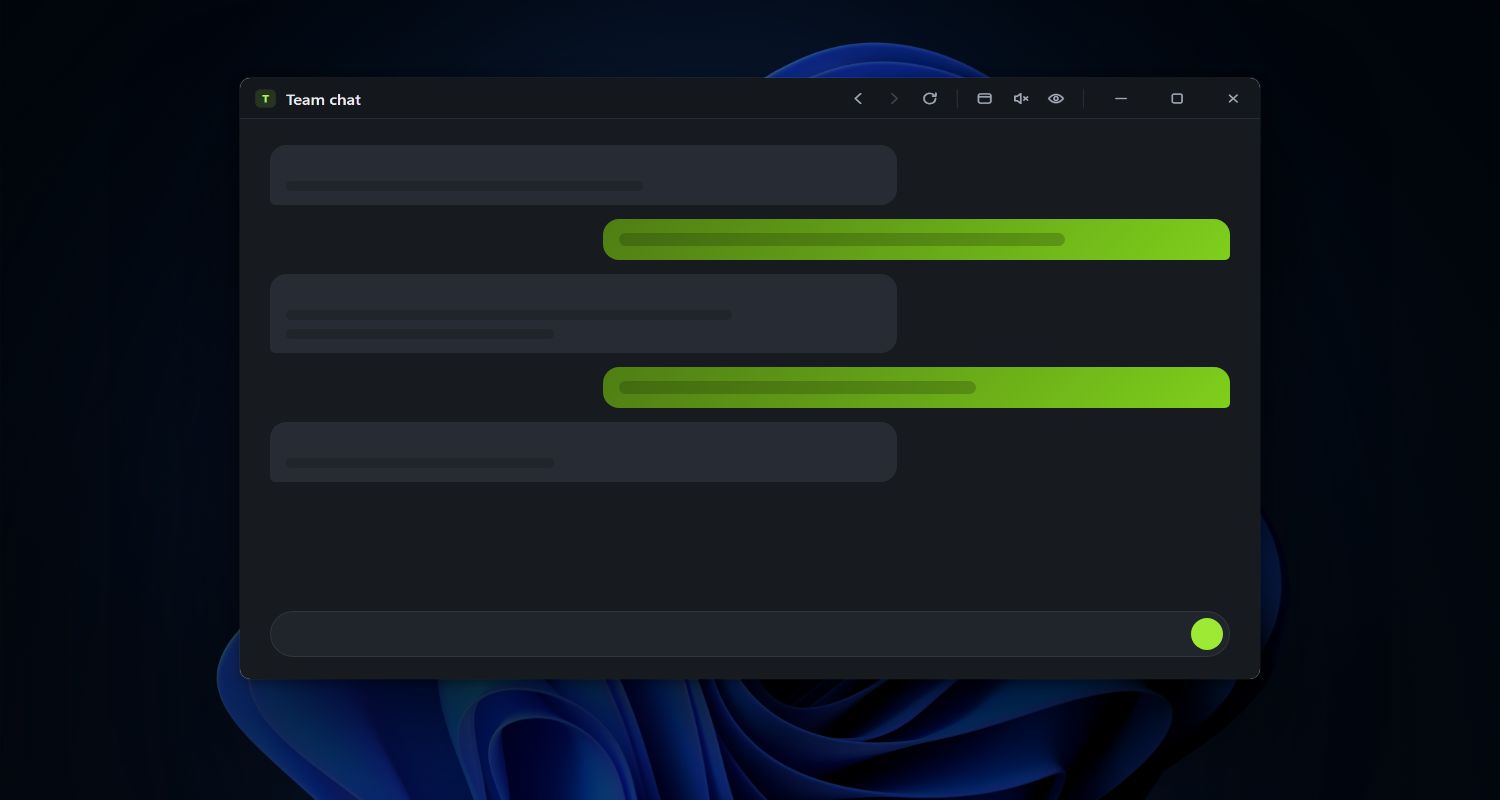
Chat apps in Snapps floating window

Chat Apps

Quick access to Teams, Discord, Google Chat, etc. Keep conversations visible in a floating window while working.

Why It's Great:

  • Reply to messages without context switching
  • See notifications in real-time
  • Keep team chat visible
  • Drop files without opening new windows
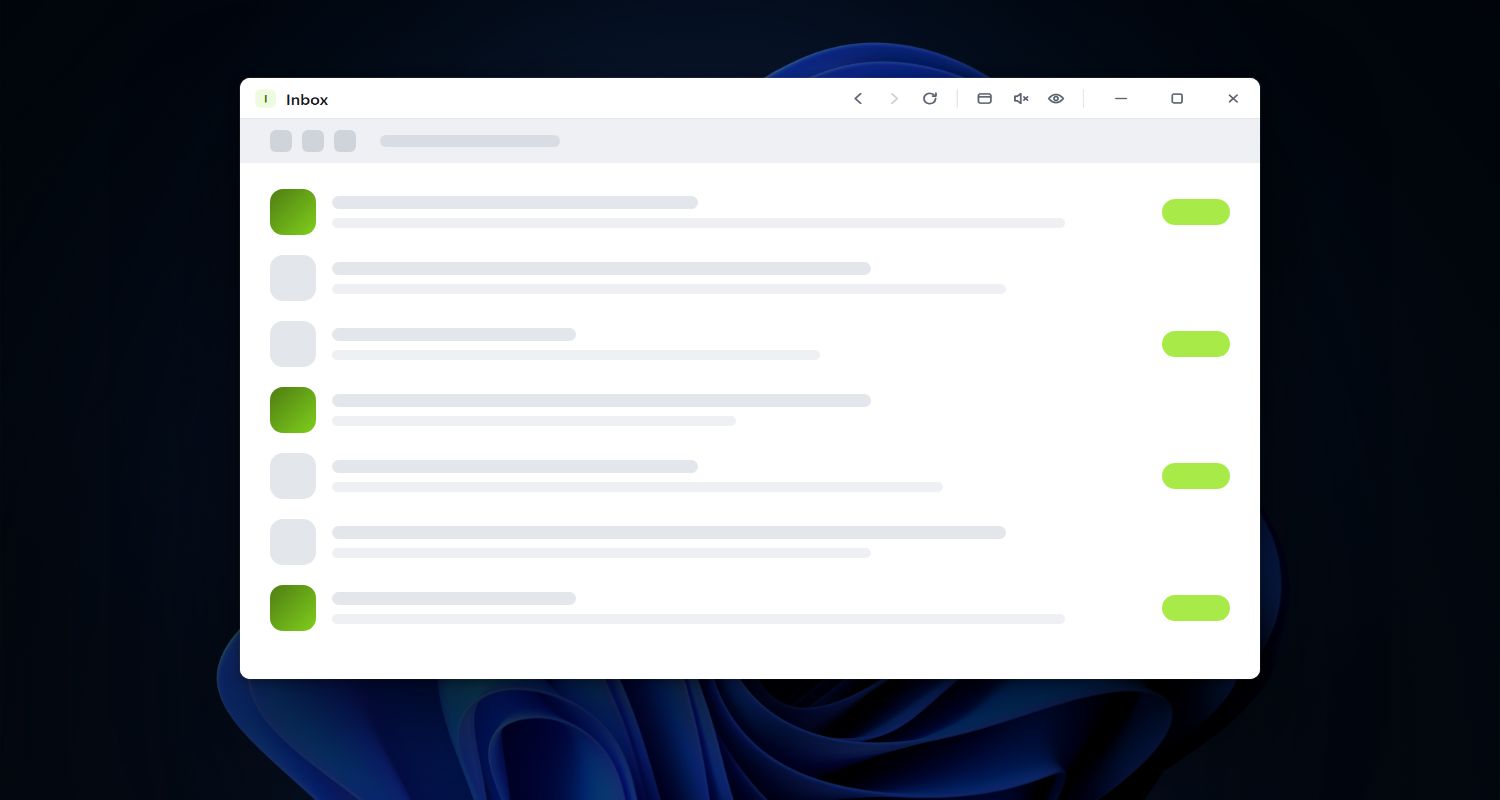
Gmail in Snapps floating window

Email

Instant access to Gmail or Outlook. Keep your inbox visible in a floating window without switching tabs.

Why It's Great:

  • Triage inbox between tasks
  • Quick replies without full app switch
  • See new messages arrive
  • Archive or snooze on the spot
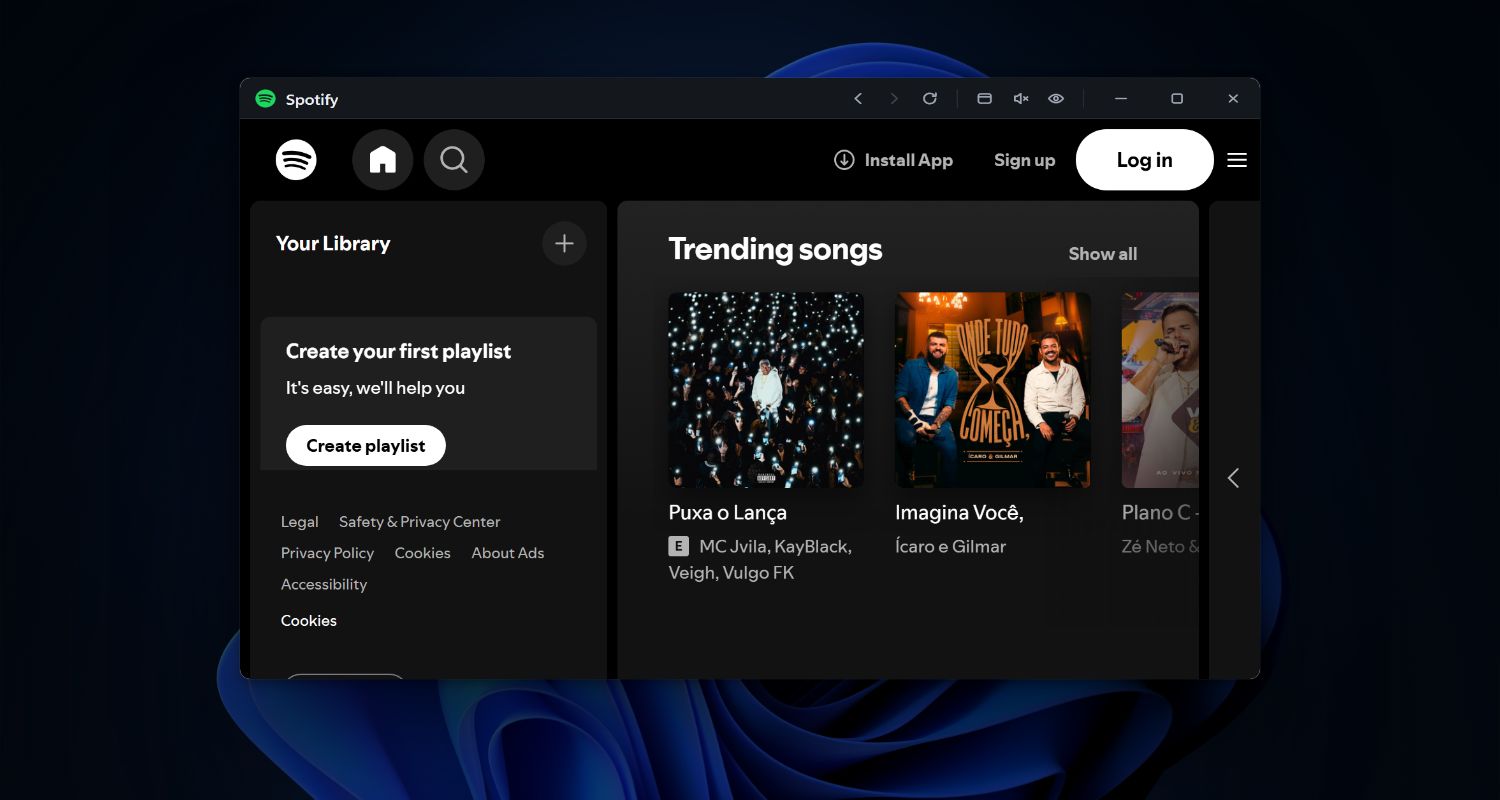
Music player in Snapps floating window

Music & Podcasts

Quick access to Deezer, YouTube Music, etc. Keep playback controls visible without switching apps.

Why It's Great:

  • Skip songs without interrupting work
  • Browse playlists in seconds
  • Adjust volume on demand
  • See what's playing at a glance
Social media in Snapps floating window

Social Media

Quick access to Twitter/X, LinkedIn, or other social feeds. Keep them visible in a floating window while you work on other tasks.

Why It's Great:

  • Check feeds between tasks
  • Reply to mentions quickly
  • See notifications as they come
  • Post updates without full context switch

Works Great With Everything

No matter which tools you choose, Snapps makes them better with these features:

Privacy First

Exclude windows from screen captures and recordings. Auto-mute when hidden for privacy during calls.

Always Ready

Auto-launch at startup and keep sites active in the background. Zero friction, maximum productivity.

Edge Gestures

Double-tap screen edges to quickly access your floating windows menu. Fast, gesture-based navigation.

Remember Everything

Window positions and sizes are saved automatically. Your perfect setup restored every time.

Stay On Top

Floating windows stay above everything else. Work in any app while keeping important info visible.

Custom Shortcuts

Create your own keyboard shortcuts. Make Snapps work exactly how you want it to.

Start Using Snapps Today

Download and discover the power of instant website access with floating windows for your productivity.